Introduction
The global warehousing and storage market is expected to hit over $700 billion in 2025. That is a massive number. It shows that businesses everywhere are struggling with the same problem. They have too much stuff and not enough space to put it.
Storage might not be the most exciting part of running a company. But it is one of the most important. Poor storage setups are one of the sneakiest ways businesses sabotage their own growth. When you cannot find what you need, you waste time. When you run out of space, you turn away customers. When your data is not secure, you risk losing everything.
This guide will walk you through everything you need to know about business storage solutions. You will learn about the different types of storage. You will discover how to pick the right one for your company. And you will get practical steps to fix your storage problems for good.
Why Business Storage Solutions Matter More Than You Think
Most business owners do not think about storage until it becomes a crisis. By then, the damage is already done. Bad storage hurts your business in three big ways.
First, it slows down your operations. Orders take longer to pack. Stock gets misplaced. Your team wastes hours just trying to find things. This leads to late deliveries and unhappy customers.
Second, it costs you money. You spend more on labor because people take longer to process orders. You might pay for extra warehouse space you do not actually need. And damaged stock adds up fast.
Third, it stops you from growing. Growing companies need to be nimble. You should be able to jump on trends and launch new products. But if your storage system cannot handle it, you get stuck.
The good news is that fixing these problems does not have to cost a fortune. The right business storage solutions can save you time, money, and a whole lot of headaches.
The Real Cost of Bad Storage
Let us talk about numbers. The global average cost of a data breach reached $4.44 million in 2025. That is the average. For businesses in the United States, that number jumps to $10.22 million.
But data breaches are not the only danger. When your data is lost, operations slow or stop. The cost of downtime can be devastating. Accepted estimates put the average cost at around $9,000 per minute. That translates to $540,000 per hour.
For small businesses, the cost of downtime falls into a range of $137 to $427 per minute. That might not sound like much. But those minutes add up fast. A few hours of downtime can wipe out your profit for the entire month.
Physical storage problems cost money too. You might be paying for space you are not even using efficiently. You could be spending more on labor than you need to. And if your storage is disorganized, you are probably buying extra inventory because you cannot find what you already have.
The storage industry generated more than $60 billion in 2024. The business segment represents a large portion of that demand. Small businesses and e-commerce companies are the main drivers of business storage market growth. They need flexible, affordable storage without long-term warehousing commitments.
Types of Business Storage Solutions
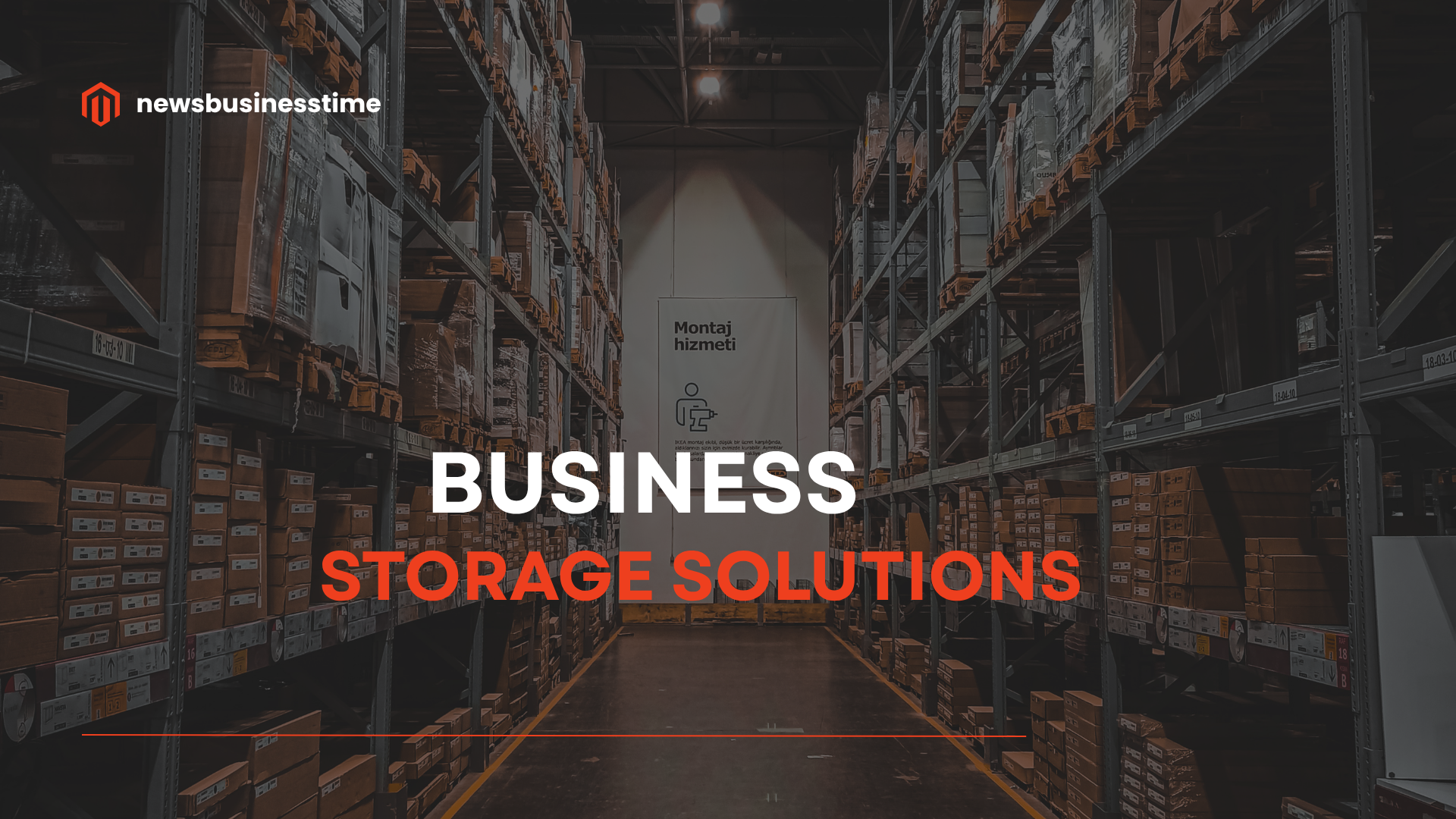
There are several different types of business storage solutions. Each one has its own pros and cons. The right choice depends on what you are storing and how you need to access it.
Physical Storage Solutions
Self-Storage Units
Self-storage facilities are the most common option for small businesses. You get a private unit. You control access. You only pay for the space you use. Self-storage typically offers various unit sizes from small 5×5 lockers all the way up to large 10×30 spaces.
The best part is the month-to-month rental terms. You are not locked into a long-term lease. This makes self-storage perfect for seasonal inventory or businesses that are still growing. You can start small and expand as you need more space.
Warehouse Leasing
Warehouse leasing is ideal for businesses that need dedicated space but do not want to build their own facility. You get a large space that you can customize to your needs. You can install shelving, create workspaces, and set up your operations exactly how you want them.
The downside is the commitment. Most warehouse leases are long-term. You might be locked in for years. This can be risky if your business slows down or your needs change.
Third-Party Logistics (3PL)
Third-party logistics providers are great for flexibility. This is especially true if you are scaling fast and need expertise in fulfillment. You hand over your inventory to experts who handle storage, picking, packing, and shipping.
The main benefit is that you do not have to manage the storage yourself. You can focus on growing your business while someone else handles the logistics. The downside is the cost and the loss of control. You are trusting your inventory to another company.
Digital Storage Solutions
Cloud Storage
Cloud storage is exactly what it sounds like. Your data is stored on remote servers that you access over the internet. Over 94% of businesses worldwide use cloud storage. The cloud storage market is estimated at $145.23 billion in 2025 and is expected to reach $425.76 billion by 2030.
The biggest advantage of cloud storage is scalability. You can start with a small amount of storage and increase it as you grow. You only pay for what you use. Cloud object storage solutions also offers accessibility. You can access your files from anywhere with an internet connection.
The downside is the recurring cost. Cloud storage has lower initial costs but recurring fees add up. You also need to consider data transfer fees. According to Wasabi’s 2025 Global Cloud Storage Index, 49% of cloud storage billing is allocated to data and usage fees.
On-Premise Storage
On-premise storage means keeping your data on servers that you own and manage. This gives you full control. Your data stays in your building. You are not relying on an internet connection to access your files.
The main advantage is control and security. Your data never leaves your premises. This can be important for businesses with strict compliance requirements. On-premise storage also has no monthly fees after the initial investment.
The downside is the upfront cost. On-premise storage costs more upfront. You need to buy the hardware, set it up, and maintain it. You also need to handle backups and security yourself. And if you run out of space, you need to buy more hardware.
Hybrid Cloud Storage
Hybrid cloud storage combines the best of both worlds. You keep some data on-premise and some in the cloud. This gives you the control of on-premise storage with the scalability of the cloud.
Nearly 75% of business leaders are moving from a cloud-first approach to a hybrid model. They are adopting flexible, scalable hybrid solutions that combine the scale of the cloud with the performance of the edge.
The benefits are clear. Hybrid cloud storage lowers costs by consolidating infrastructure and eliminating redundant systems. It provides local performance with unlimited capacity. And it offers enhanced cyber resilience.
Storage as a Service (STaaS)
Storage as a Service is a model where you purchase storage capacity as a modular IT service from an external provider. By 2029, consumption-based storage as a service will replace 50% of on-premises enterprise storage capital expenditure.
The STaaS market is forecast to grow at a CAGR of 30.0%, reaching $41.2 billion in 2031. This growth is driven by businesses prioritizing data security, accessibility, and flexibility.
How to Choose the Right Business Storage Solution
Choosing the right enterprise storage platform solution can feel overwhelming. There are so many options. But the process is actually pretty simple if you follow these steps.
Step 1: Understand What You Are Storing
Before you start looking at storage options, you need to determine exactly what you will be storing and for how long. Ask yourself these questions:
What are you storing? Is it inventory, equipment, documents, or seasonal items? Each item has different storage requirements. Documents need climate control. Equipment may require ground-floor unit access.
How much space do you need? Do not estimate. Measure your items and calculate the required square footage. The most common unit size small businesses rent is usually 50-100 square feet.
How often will you access your items? Daily? Monthly? This determines location and facility type. If you need frequent access, a facility close to your business with extended hours is best.
Are your teams hoarding outdated stock? Are you paying for space that is half-empty? A little cleanup can save a ton on storage costs.
Step 2: Consider Your Growth Plans
Your storage needs today will not be your storage needs next year. Growing companies need solutions that can scale with them. Look for storage options that offer flexibility.
Self-storage units offer month-to-month terms. You can start small and expand as you need more space. Cloud storage lets you increase capacity with a few clicks. Hybrid solutions combine the control of on-premise with the scalability of the cloud.
Do not lock yourself into a long-term commitment unless you are absolutely sure your needs will not change. Some providers lock you in for years when you might only need a seasonal solution.
Step 3: Evaluate the Costs
Storage costs go beyond the monthly fee. You need to look at the total cost of ownership.
For physical storage, consider these hidden costs:
- Handling fees for moving goods in and out
- Insurance costs to protect your items
- Transportation costs to get items to and from storage
For digital storage, consider these hidden costs:
- Data transfer fees for moving data in and out of the cloud
- Backup costs to protect your data
- Security costs to keep your data safe
Cloud storage is cheaper upfront but features recurring expenses based on the amount of data, access patterns, and file transfers. On-premise storage has higher initial costs but no monthly fees.
Step 4: Think About Security
Security matters for both physical and digital storage.
For physical storage, look for:
- 24/7 surveillance and restricted access
- Pest control and climate monitoring for sensitive products
- Insurance policies that cover your items
For digital storage, look for:
- Encryption to protect your data
- Regular backups to prevent data loss
- Access controls to limit who can see your data
Theft, spoilage, and compliance issues can cost you big. Do not skimp on security.
Common Storage Mistakes to Avoid
Many businesses make the same storage mistakes. Avoid these common pitfalls to save time and money.
Mistake 1: Jumping In Without a Plan
The biggest mistake businesses make is jumping into storage without properly assessing their needs. They rent a unit or sign up for cloud storage without knowing what they actually need. This leads to paying for space they do not use or not having enough space when they need it.
Take the time to assess your needs before you commit to anything. Measure your items. Calculate your space requirements. Think about your growth plans.
Mistake 2: Ignoring Vertical Space
Most businesses are not using their storage space properly, especially when it comes to vertical storage. They fill the floor and ignore the space above.
Vertical shelving, stackable containers, and overhead racks can increase capacity without expensive renovations. Do not just think floor space. Leverage height with vertical systems. Industrial racking and mezzanine floors can double or triple your storage capacity.
Mistake 3: Relying on Spreadsheets
Still tracking stock on spreadsheets? That is a recipe for disaster. Without proper technology like warehouse management systems, you are basically flying blind. That means more mistakes, more delays, and more headaches.
A decent warehouse management system gives you real-time tracking, faster order processing, and fewer mistakes. Add automation like barcode scanners for even better results.
Mistake 4: Not Planning for Growth
Your storage needs will change as your business grows. If your storage system cannot handle it, you are stuck. Growth stalls, customers get annoyed, and competitors get ahead.
Choose storage solutions that can scale with you. Look for flexible terms and easy expansion options.
How to Optimize Your Storage Space
Even if you have the right type of storage, poor space utilization can cost you. Here are some ways to get more out of your storage space.
Use Vertical Storage
Most businesses focus on floor space and ignore the space above. Vertical storage can dramatically increase your capacity. Install taller shelving. Use stackable containers. Consider mezzanine floors to create a second level.
Implement Better Organization
A well-organized storage space is more efficient. Use clear bins and labeling to make inventory easy to find. Create aisles so you can access everything without unstacking boxes. Group similar items together.
Get Rid of What You Do Not Need
Are you storing things you do not actually need? Many businesses pay for space that is half-empty or filled with outdated stock. Do a regular audit of your inventory. Get rid of what you do not need. This frees up space and saves you money.
Use Technology
Technology can help you get more out of your storage space. Warehouse management systems give you real-time tracking. Barcode scanners reduce mistakes. Automation can speed up order processing.
Digital Storage Best Practices
Digital storage comes with its own set of best practices. Follow these guidelines to keep your data safe and accessible.
Follow the 3-2-1 Backup Rule
The 3-2-1 backup rule is a simple way to protect your data. Keep three copies of your data. Store them on two different types of media. Keep one copy off-site.
This rule protects you against hardware failure, theft, and natural disasters. If one copy fails, you have others to fall back on.
Understand the Shared Responsibility Model
Under the Shared Responsibility Model, users are accountable for protecting and recovering their account-level data. Your cloud provider is responsible for the infrastructure. You are responsible for your data.
Do not assume your cloud provider is backing up your data. Many do not. You need to handle backups yourself or use a third-party backup service.
Invest in Disaster Recovery Planning
Investing in disaster recovery planning significantly reduces breach impact and ensures operational resilience. Have a plan for what you will do if your data is lost or compromised. Test that plan regularly.
Watch Out for Hidden Cloud Costs
Cloud storage fees can add up quickly. Nearly half of all cloud storage spending goes toward fees rather than storage. Watch out for data transfer fees. Watch out for access fees. Understand exactly what you are paying for.
Storage Trends to Watch
The storage industry is changing fast. Here are some trends that will shape business storage solutions in the coming years.
The Rise of Hybrid Storage
Nearly 75% of business leaders are moving from a cloud-first approach to a hybrid model. They want the scalability of the cloud with the control of on-premise storage. Hybrid solutions offer the best of both worlds.
Gartner gives hybrid cloud storage a High Benefit rating, expecting it to reach mainstream adoption within 2 to 5 years.
AI and Storage
AI is changing how we think about storage. Gartner forecasts that more than 80% of enterprises will have used AI APIs or deployed AI-enabled applications by 2026. This AI transformation is driving demand for higher performance storage solutions.
Cyber-Resilient Storage
Cybersecurity and enterprise storage are converging. Cyber-resilient storage is moving to the forefront of the enterprise market. Proactive measures include cyber detection built directly into primary storage.
Storage as a Service Growth
Storage as a Service is growing fast. The market is forecast to grow at a CAGR of 30.0%, reaching $41.2 billion in 2031. By 2029, consumption-based storage as a service will replace 50% of on-premises enterprise storage capital expenditure.
Action Steps for Your Business
You have read the guide. Now it is time to take action. Here are the steps you should take to fix your storage problems.
Step 1: Audit Your Current Storage
Take a hard look at your current storage setup. What is working? What is not? Are you paying for space you do not use? Are you wasting time looking for things? Make a list of your biggest storage problems.
Step 2: Assess Your Needs
Figure out exactly what you need from a storage solution. What are you storing? How much space do you need? How often do you need to access your items? What is your budget?
Step 3: Explore Your Options
Look at the different types of business storage solutions. Consider physical options like self-storage and warehousing. Consider digital options like cloud storage and hybrid solutions. Compare the costs and benefits of each.
Step 4: Make a Decision
Choose the storage solution that best fits your needs. Do not overpay for features you do not need. But do not go too cheap and regret it later.
Step 5: Implement and Optimize
Put your new storage solution in place. Organize it well. Use technology to track your inventory. Review your setup regularly and make improvements as needed.
Conclusion
Business storage solutions are not just about having a place to put your stuff. They are about saving time, saving money, and setting your business up for growth.
Poor storage slows you down. It costs you money. It stops you from growing. The right storage solution does the opposite. It frees up your office space. It protects your assets. It keeps everything organized. You can focus on business growth instead of clutter management.
The global storage market is booming. The cloud storage market alone is expected to reach $425.76 billion by 2030. Businesses are investing in storage because they know it matters.
You do not need to spend a fortune to fix your storage problems. Start with a simple audit of what you have. Figure out what you actually need. Choose a solution that fits your budget and your growth plans. Then implement it and keep improving.