LaSRS Login: Complete Guide to the Louisiana Service Reporting System
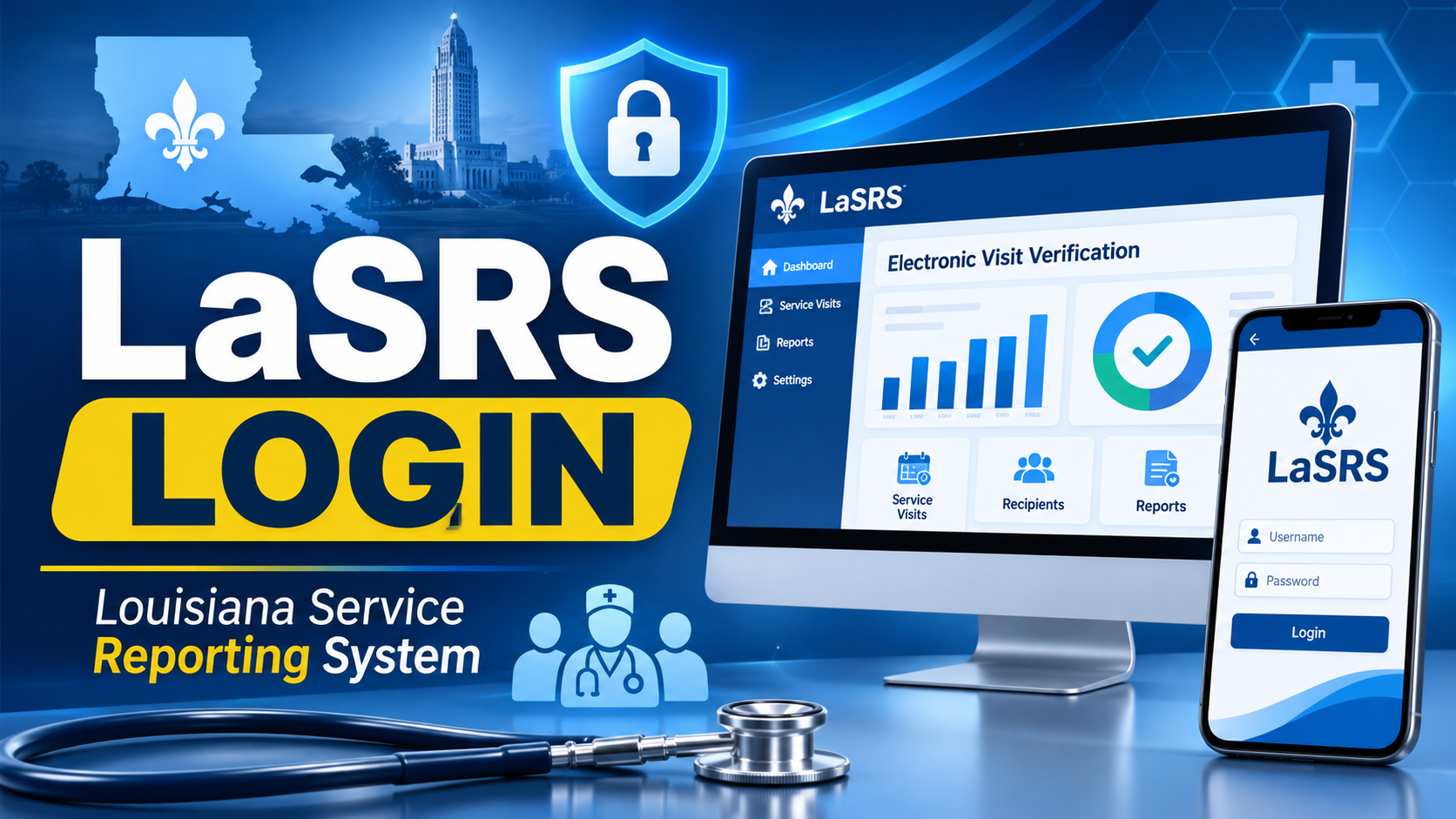
LaSRS is an electronic system used in Louisiana to support Electronic Visit Verification (EVV) for eligible healthcare and home- and community-based services. It helps authorized providers record service visits, including the date, time, location, worker, and individual receiving care.
If you are looking for the LaSRS login portal, want to understand how the system works, or need help accessing your account, this guide explains the essential information.
What Is LaSRS?
LaSRS stands for Louisiana Service Reporting System. It is associated with Statistical Resources, Inc. (SRI), which operates Louisiana’s state-supported EVV system for applicable Medicaid services.
The system helps healthcare providers and agencies electronically document service visits instead of relying entirely on paper timesheets. It also supports accurate reporting, billing oversight, and compliance with state requirements.
LaSRS is used in connection with certain home and community-based services, including applicable personal care and adult day health services.
Official LaSRS Login Portal
Authorized users can access the LaSRS system through its official website:
Official website: https://lasrs.statres.com/
Before entering your credentials, check that the website address is correct. Avoid unfamiliar third-party websites that claim to provide direct account access.
The portal requires valid login credentials. Access is generally provided through an authorized organization or agency.
How to Access the LaSRS Portal
Follow these steps to access your LaSRS account:
- Open a web browser on your computer, smartphone, or tablet.
- Visit the official LaSRS website at https://lasrs.statres.com/.
- Locate the Sign In section.
- Enter your assigned username.
- Enter your password.
- Submit your credentials to access the system.
Your available dashboard features will depend on your assigned account permissions and responsibilities.
LaSRS Login Requirements
Before attempting to sign in, make sure you have:
- An active LaSRS account.
- A valid username and password.
- A reliable internet connection.
- A compatible web browser.
- An authorized role or permission to access the system.
If you do not have login credentials, contact your agency administrator or the appropriate SRI support channel. Individual access may depend on your organization’s enrollment and authorization process.
Common LaSRS Login Problems and Solutions
Users may occasionally experience problems when accessing the portal. Here are some practical steps to consider.
Incorrect username or password: Check your credentials carefully and make sure there are no typing errors. Contact your administrator if you are unsure which username to use.
Forgotten password: Check the official login page for available account recovery instructions. If self-service recovery is unavailable, ask your agency administrator or SRI support for assistance.
Website not loading: Check your internet connection, refresh the page, or try another supported browser. You can also try accessing the portal from another device.
Account access denied: Your account may require authorization or administrative assistance. Contact your organization to verify your access permissions.
Technical errors: Record the error message and contact the appropriate support team instead of repeatedly attempting to sign in.
Is LaSRS Available on Mobile Devices?
LaSRS is designed to support access through internet-connected devices, including computers, smartphones, and tablets.
Louisiana’s EVV documentation confirms that the system can be accessed through these devices. However, browser-based access should not be confused with a separately downloadable mobile application.
Users should follow their agency’s instructions regarding approved devices and access procedures.
LaSRS Security and Privacy
LaSRS handles sensitive service-related information, so authorized access and responsible account use are important.
Louisiana’s EVV policy explains that the system records information such as the service date, start and end times, service location, worker, and recipient.
Importantly, the policy states that the system collects location information at the time of clock-in and clock-out rather than continuously tracking workers or participants.
Users should never share their passwords or allow another person to sign in using their credentials. The state policy also treats logging in under another user’s credentials as fraudulent activity.
For additional information, consult the Louisiana Department of Health’s Electronic Visit Verification resources.
Frequently Asked Questions
What does LaSRS stand for?
LaSRS stands for Louisiana Service Reporting System. It is associated with Louisiana’s Electronic Visit Verification system.
What is the official LaSRS login website?
The official portal is https://lasrs.statres.com/. Always verify the domain before entering account information.
Who uses LaSRS?
Authorized providers and organizations involved in applicable Louisiana Medicaid and home- and community-based services use the system to document and verify service visits.
Can I access LaSRS from my phone?
Yes. Louisiana’s EVV documentation confirms access through internet-connected smartphones, tablets, and computers.
What should I do if I cannot log in?
Check your username and password, verify your internet connection, and contact your agency administrator or the appropriate SRI support channel if the problem continues.
Is LaSRS the same as Louisiana LASERS?
No. LaSRS and LASERS are different systems. LaSRS relates to service reporting and Electronic Visit Verification, while LASERS refers to the Louisiana State Employees’ Retirement System.
Summary
LaSRS is an important electronic reporting system for applicable Louisiana healthcare and home- and community-based services. It supports Electronic Visit Verification by documenting service visits and helping organizations maintain accurate records.
Authorized users can access the system through the official LaSRS portal. Understanding its purpose, login requirements, security policies, and troubleshooting procedures can make account access easier and help users avoid confusion with unrelated systems.